Drawing Technical Diagrams with Gemini + EditBanana: A Workflow That Finally Worked
I recently joined a project that needed quite a few technical diagrams. I did not want to build everything from scratch in PowerPoint, so I looked for a faster AI-assisted path.
After some trial and error, I landed on a workflow that is short, practical, and — for the first time — actually matches what I have in mind.
The Old Way: Prompt Relay
My earlier pipeline looked like this:
- Open Google AI Studio
- Ask Gemini to write a detailed image prompt
- Paste that prompt into Nano Banana to generate the figure
It worked sometimes. It also failed often enough to be annoying — the layout, style, or details would drift away from what I meant. Two hops between tools meant two places where intent could get lost.
The Better Way: Draw Directly in Gemini
Then I tried generating images inside the Gemini web app itself.
Instead of exporting a prompt and switching tools, I just ask Gemini to draw. It calls Nano Banana under the hood and returns the image in the same chat.
The difference in quality was obvious. For technical diagrams, the results were much closer to what I wanted — cleaner structure, better visual consistency, fewer “almost right but not quite” rounds.
A small billing surprise
I am on Gemini Pro. On the same account, using Nano Banana through AI Studio still asked for extra payment. Drawing through the Gemini web app did not.
Same model family, different entry point, different bill. Worth knowing if you draw often.
Make It Editable with EditBanana
AI output is a starting point, not the final figure. I still redraw and adjust by hand.
The useful middle step is EditBanana: upload the generated image (or PDF), and it turns the figure into an editable Draw.io diagram.
If you are not used to Draw.io, you can also export it as a PowerPoint file and edit the figure in PPT instead.
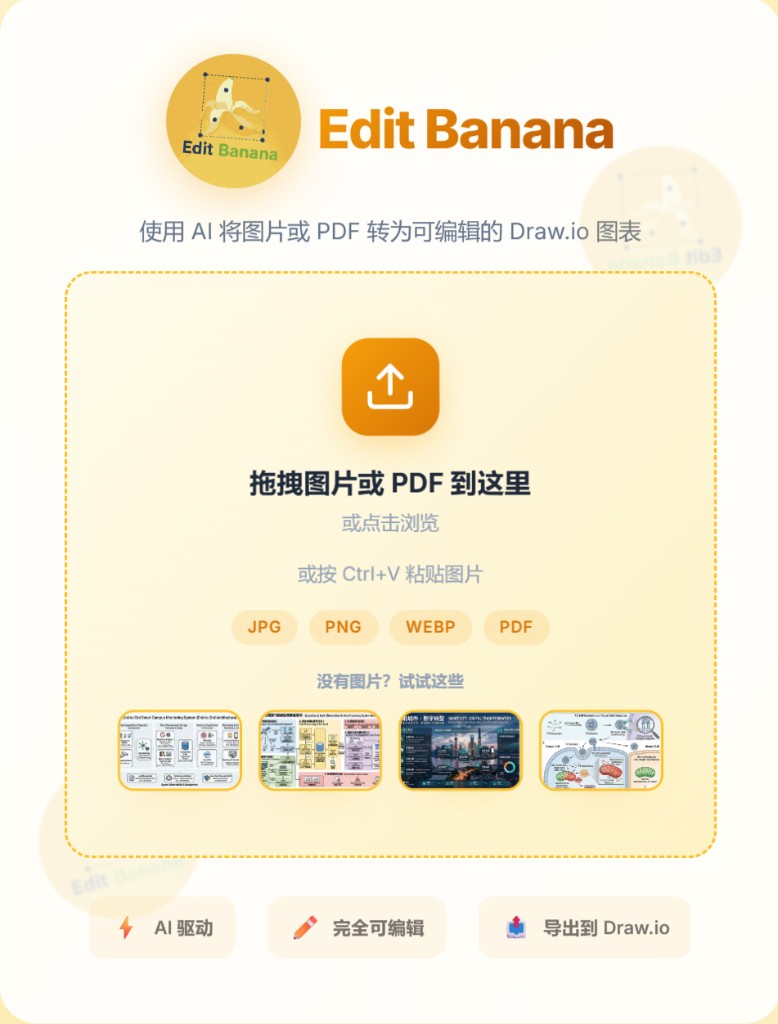
After that, changing boxes, arrows, and labels is far less painful than editing a flat PNG.
The Workflow I Use Now
1
2
3
4
5
Gemini web app (draw with Nano Banana)
        ↓
EditBanana (image → Draw.io, or export to PPT)
        ↓
Manual polish
That is the whole loop. No prompt relay. No PowerPoint from zero.
I am not sharing project figures here for privacy reasons — but if you also need technical diagrams and have been bouncing between AI Studio and image tools, try drawing directly in Gemini first. For me, that one change made the biggest difference.